Refunds · Tinder
Tinder refunds: what actually works
Tinder’s terms generally do not refund unused subscription time. The realistic paths are an app-store request within 48 hours of a surprise charge, or a bank dispute if you never authorized it.
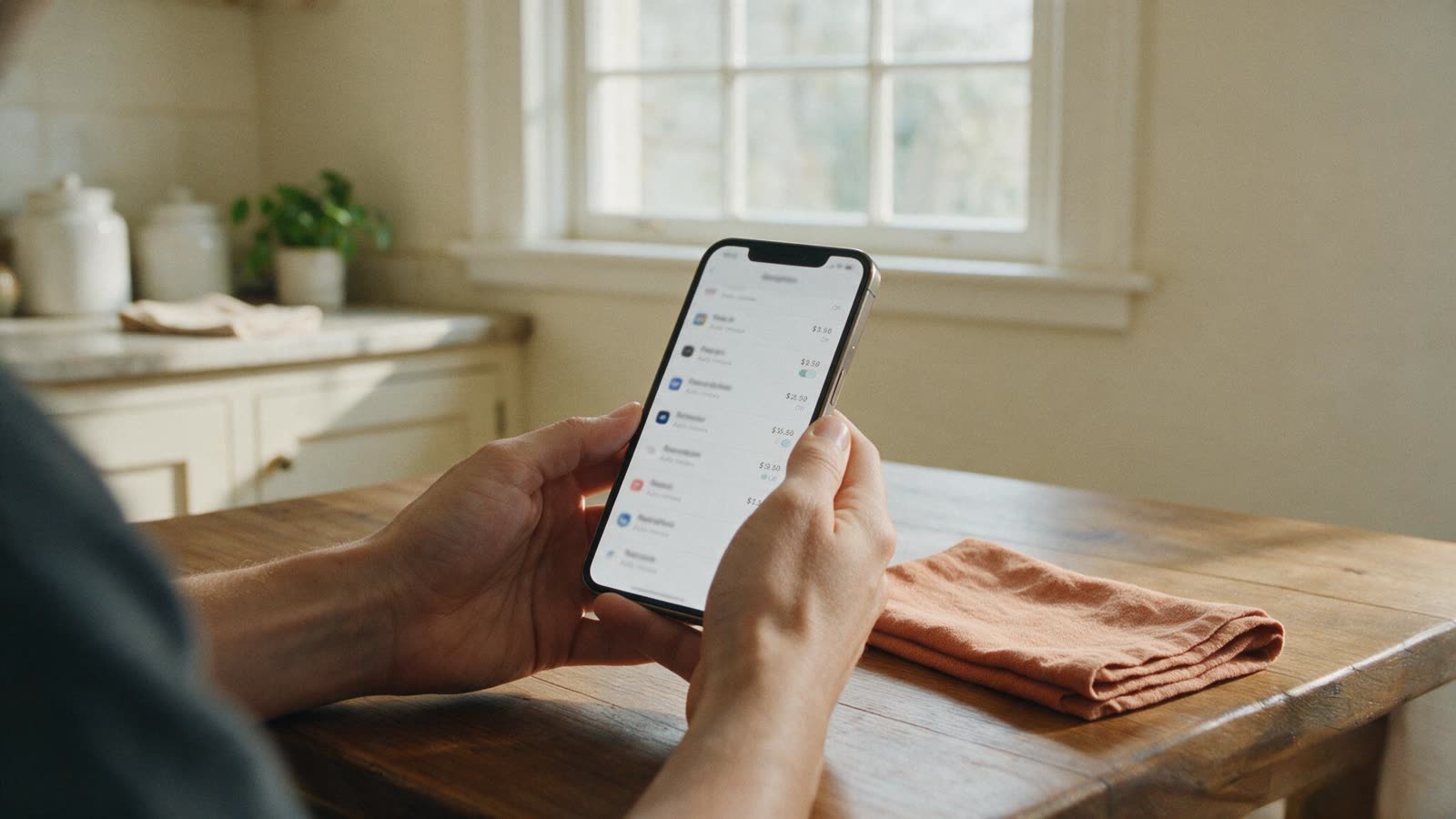
Cancel first
A refund request does not stop the next renewal. Cancel Tinder in the same store you paid, then screenshot confirmation.
Ask Apple or Google within 48 hours
Apple: reportaproblem.apple.com. Google Play: Payments & subscriptions → Budget & order history → the charge → Request a refund. Same-day unexpected renewals are the most common approvals.
Write Tinder support only after that
In-app help can issue a goodwill credit; it is slower and less reliable than the store. Keep your cancellation screenshot.
Dispute unauthorized charges
If you never subscribed, or a charge arrived after a confirmed cancel, dispute with the card issuer. “I didn’t use it” is not unauthorized.
Deleting the app is not a refund path
Removing Tinder from the phone does not cancel Plus, Gold, or Platinum and does not reverse a charge. Deleting the profile is a separate step.