How-to · Tinder
How to delete your Tinder account (without keeping the Gold bill)
Tinder’s own help splits this into two jobs. Delete removes the profile. Cancel stops Plus, Gold, and Platinum. Do cancel first or Apple and Google can keep charging.
Quick answer
To delete a Tinder account: open Tinder → profile → Settings → Delete account → confirm. On iPhone, also open Settings → your name → Subscriptions → Tinder → Cancel Subscription if you ever paid for Gold, Plus, or Platinum. Deleting the app icon does neither.
Does deleting Tinder cancel the subscription?
No. Uninstalling the app does not cancel Gold. Deleting the Tinder account does not cancel Gold either. Cancel in the store that billed you, then delete the profile.
That is the trap people hit after they search “how to delete Tinder account.” Tinder documents both facts in its cancel and renewal articles. The store subscription is a contract with Apple, Google, or Tinder’s web merchant — not with the icon on your home screen.
How to cancel a Tinder subscriptioniPhone Settings, Google Play, and tinder.com — Plus, Gold, Platinum.How to delete your Tinder account on iPhone
In the Tinder app: profile photo → Settings → Delete account → confirm. Then open iPhone Settings → your name → Subscriptions and cancel Tinder if it is still listed.
1. Cancel Gold in iPhone Settings
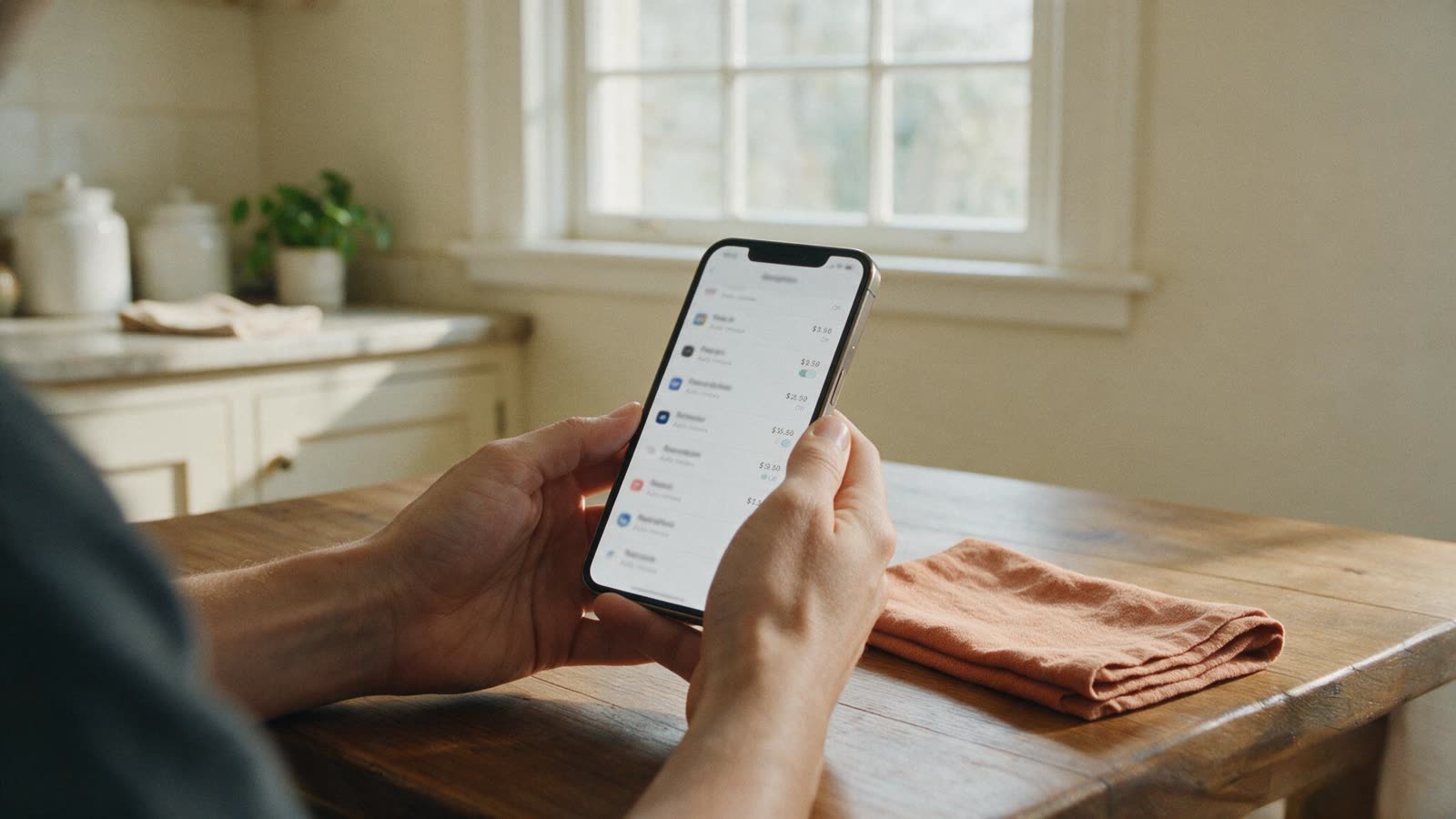
Settings → your name → Subscriptions → Tinder → Cancel Subscription. The line usually says “Tinder,” not “Tinder Gold.”
2. Open Tinder Settings
Tap your profile photo, then Settings (not Discovery or Pause).
3. Delete account
Scroll to Delete account. Confirm. Tinder may offer Hide instead — that is not the same job.
4. Check Subscriptions again
If Tinder is still in Apple subscriptions, the bill is still alive. Cancel that line.
How to delete your Tinder account on Android
Same taps in the Tinder app. Then Play Store → profile → Payments & subscriptions → Subscriptions → Tinder → Cancel subscription.
If Tinder is missing from Play subscriptions, you bought on iPhone or on tinder.com. Cancel there. Switching phones does not move the merchant.
How to delete Tinder on tinder.com
Log in at tinder.com → settings → Delete account. If you paid on the website, turn off Auto-Renew under Manage Account first.
Receipts that start with TNDR or COSU are Tinder’s web flow, not Apple. Keep the confirmation email.
Is hiding my Tinder profile the same as deleting it?
No. Hide / Discovery off stops showing you. The account stays. The subscription stays. Delete is a different control at the bottom of Settings.
Tinder also documents a restore window for some recently deleted profiles. If you need the photos gone and the bill dead, cancel + delete, then confirm both.
Control what they keepAccount deletion vs a privacy-law data request. Tinder refundsUnused weeks are rarely refunded. 48 hours is the store window.FAQ
How do I delete my Tinder account?
Open Tinder → profile icon → Settings → Delete account → confirm. On the web, use tinder.com settings → Delete account. Cancel Plus, Gold, or Platinum in Apple or Google first, or the store can keep charging.
Does deleting Tinder cancel my subscription?
No. Tinder’s help center says uninstalling the app and deleting the account both leave Plus, Gold, Platinum, and memberships running. Cancel in iPhone Settings → Subscriptions, Google Play subscriptions, or Tinder.com — whichever billed you.
How do I delete my Tinder account on iPhone?
In the Tinder app: profile → Settings → Delete account. That removes the profile. To stop Gold billing, also open iPhone Settings → your name → Subscriptions → Tinder → Cancel Subscription.
Can I recover a deleted Tinder account?
Tinder lets some people restore a recently deleted profile. After that window, you start over with a new account. Deletion is not the same as Hide or Pause.
Is hiding my Tinder profile the same as deleting it?
No. Hide or Discovery off stops showing you to others. The account and any store subscription stay active until you cancel and then delete.
Sources
- Tinder Help — Delete your Tinder account
- Tinder Help — Cancel your subscription
- Tinder Help — Subscription or membership renewal (deleting the account does not cancel)
- Apple — Cancel a subscription on iPhone