How-to · Bumble
How to cancel a Bumble subscription (Boost and Premium)
Bumble Boost and Premium auto-renew until you cancel where you paid. Bumble’s help article is rank-one on this query. This page adds the iPhone path, the “deleting the app” myth, and how to confirm it stuck.
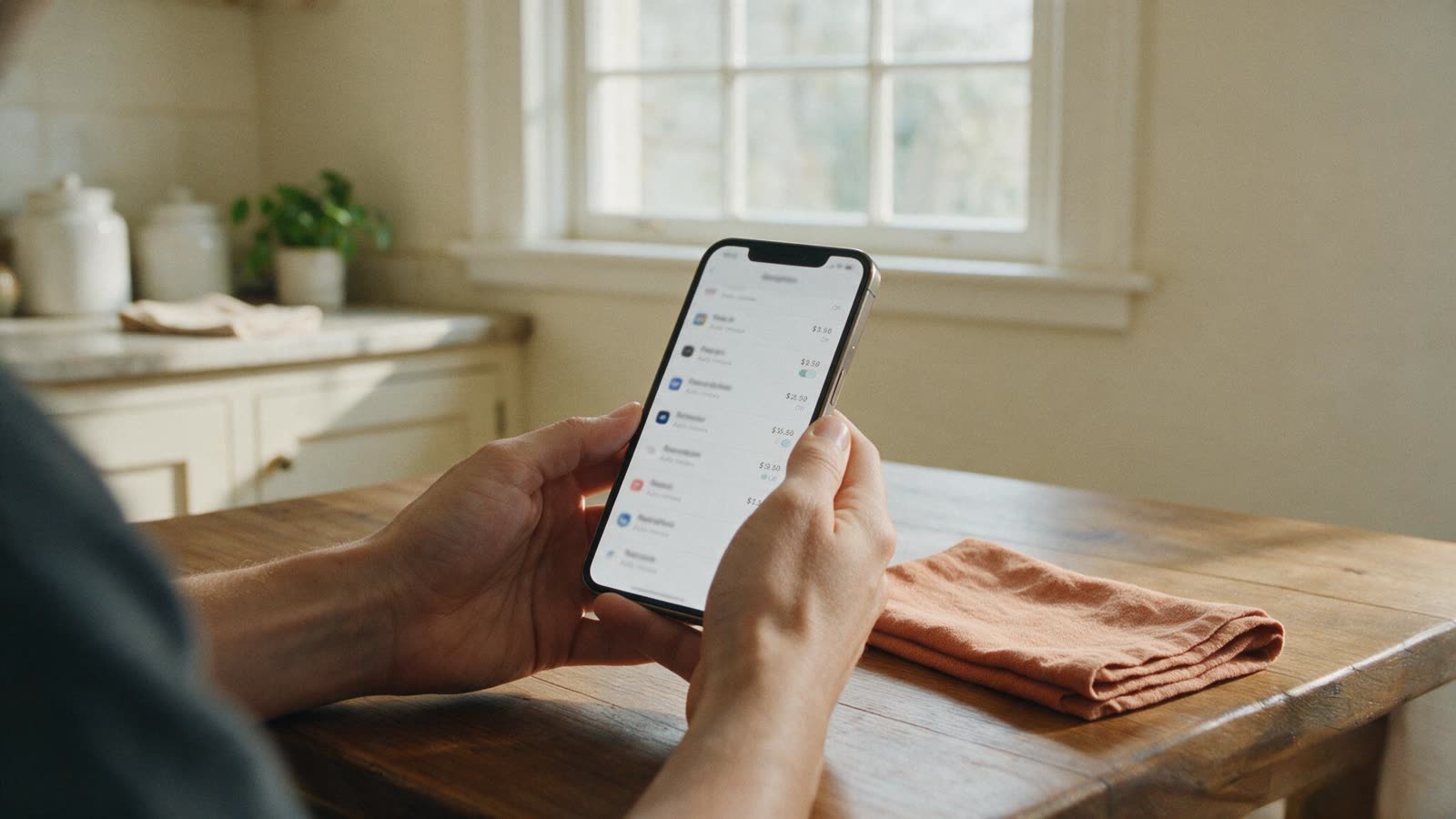
Quick answer
To cancel a Bumble subscription on iPhone: Settings → your name → Subscriptions → Bumble → Cancel Subscription. On Android, use Google Play subscriptions. Deleting the Bumble app does not stop Boost or Premium.
How to cancel Bumble on iPhone
Settings → [your name] → Subscriptions → Bumble → Cancel Subscription. If Bumble is missing, you paid on Android or on the website.
1. Open Settings
The grey iPhone Settings app, not Bumble.
2. Tap your name
Apple Account at the top.
3. Tap Subscriptions
Find Bumble. Boost and Premium both show as Bumble.
4. Cancel Subscription
Confirm. Screenshot it. Do this at least a day before renewal.
How to cancel Bumble on Android
Play Store → profile icon → Payments & subscriptions → Subscriptions → Bumble → Cancel subscription.
If Bumble is not in Play subscriptions, you bought on iPhone or on Bumble’s site. Cancel there.
How to cancel Bumble on the web
Log in → settings → Manage subscription → turn auto-renew off. Keep the confirmation.
Web prices and the cancel door are often different from the App Store. Use the email on the receipt, not the app icon.
Does deleting Bumble cancel Boost or Premium?
No. Uninstalling the app leaves the store subscription running. Cancel first, then delete the account if you want.
Same rule as Tinder. The store is the merchant. Deleting a Tinder account has the same order of operations if you are leaving both apps.
Can I get a Bumble refund?
Rarely for unused weeks. Ask Apple or Google within about 48 hours of a surprise charge.
Bumble refund guideApple, Google, and what sometimes works. Dating app refundsThe same 48-hour store window across apps.FAQ
How do I cancel a Bumble subscription?
On iPhone: Settings → your name → Subscriptions → Bumble → Cancel Subscription. On Android: Play Store → Payments & subscriptions → Subscriptions → Bumble → Cancel subscription. On the web: Bumble settings → Manage subscription → turn off auto-renew.
Does deleting Bumble cancel Boost or Premium?
No. Uninstalling the app leaves the store subscription running. Cancel in Apple or Google Play, then delete the account if you want.
How do I cancel Bumble Boost on iPhone?
Open the iPhone Settings app (not Bumble) → tap your name → Subscriptions → Bumble → Cancel Subscription. Confirm at least a day before renewal.
Can I get a Bumble refund?
Unused time is rarely refunded. Apple and Google sometimes reverse a surprise charge inside about 48 hours. Unauthorized charges go to your bank.